MSRX6 Software Download for Android and iOS
EasyMSR connects compatible MSRX6 and MSRX6BT magnetic stripe readers and writers to Android and iOS devices through Bluetooth. Use the official store links below instead of downloading software from an unverified APK or torrent website.
Official EasyMSR Downloads
Supported Hardware
EasyMSR is designed for Bluetooth-capable MSRX6/MSRX6BT devices, including compatible models sold under brands such as Deftun, Tnaive, Misiri and Postech. Hardware revisions can differ, so confirm that your reader supports Bluetooth before installing the app.
| Device | Connection | Android | iOS |
|---|---|---|---|
| MSRX6BT | Bluetooth | Supported | Supported |
| Bluetooth-enabled MSRX6 | Bluetooth | Supported | Supported |
| MSR605X | USB | Use EasyMSR USB | Not supported by this USB app |
Bluetooth Setup
- Turn on the MSRX6/MSRX6BT device.
- Enable Bluetooth on your phone or tablet.
- Open EasyMSR and allow Bluetooth access when requested.
- Select the compatible reader shown inside the app.
- Test the connection before starting a read or write operation.
Pair the reader from inside EasyMSR when possible. Pairing only through the operating system settings may not establish the application connection.
Features
- Read magnetic stripe card tracks
- Write compatible track data
- Copy data between cards
- Selectively erase tracks
- Import and export supported data files
- Support common ISO track formats
MSRX6 Connection Troubleshooting
The device is not listed
Confirm that the reader is powered on, nearby and not connected to another phone. Restart Bluetooth and reopen EasyMSR.
Android cannot connect
Check that EasyMSR has the Bluetooth permissions required by your Android version.
I have an MSR605X USB reader
Use the separate MSR605X Android USB software page. The Bluetooth and USB products use different connection methods.
About the MSR X6 Reader/Writer
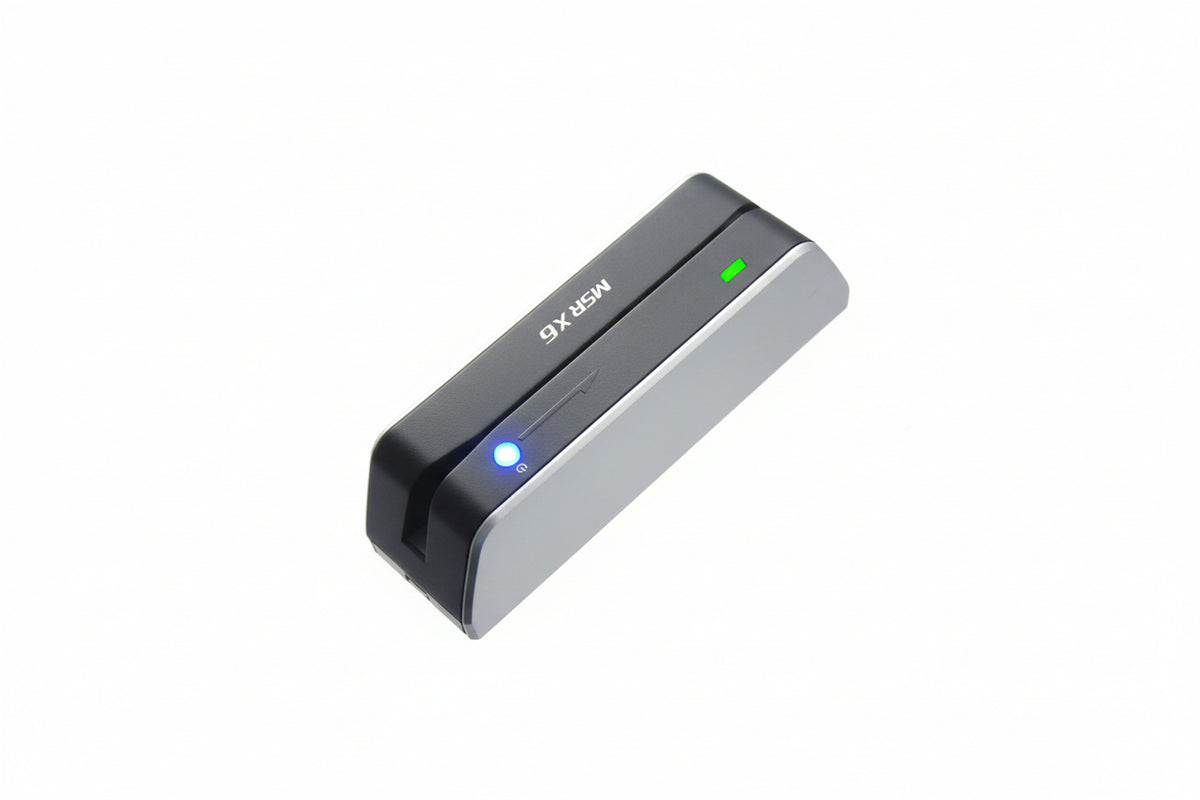
The MSR X6 is a magnetic stripe reader/writer for supported track formats. Bluetooth-capable MSRX6 and MSRX6BT models can connect to EasyMSR on Android and iOS; check the exact hardware revision and Bluetooth support before purchasing.
Buy MSR X6 Reader/Writer on Amazon
Frequently Asked Questions
Is this the official EasyMSR download page?
This page links directly to the EasyMSR listings on Google Play and the Apple App Store.
Do I need an MSRX6 driver on Android or iOS?
The mobile Bluetooth app normally communicates directly with the compatible reader. A separate Windows driver is not installed on Android or iOS.
For assistance, contact msr@tcool.ltd.
More USB Reader Software
If your hardware uses USB instead of Bluetooth, use the MSR605X Android USB software and setup guide or the MSR90 software download and reader setup guide. You can also compare every model on the EasyMSR software overview.